Plans backwards
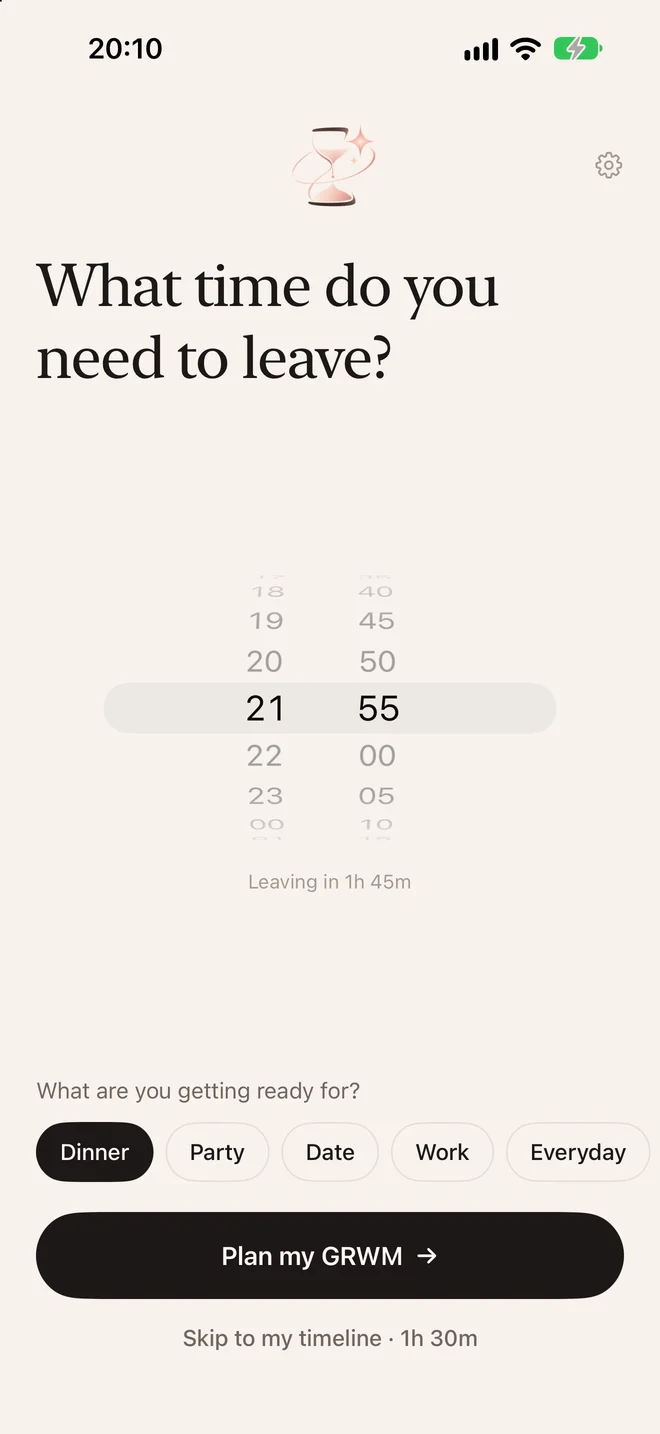
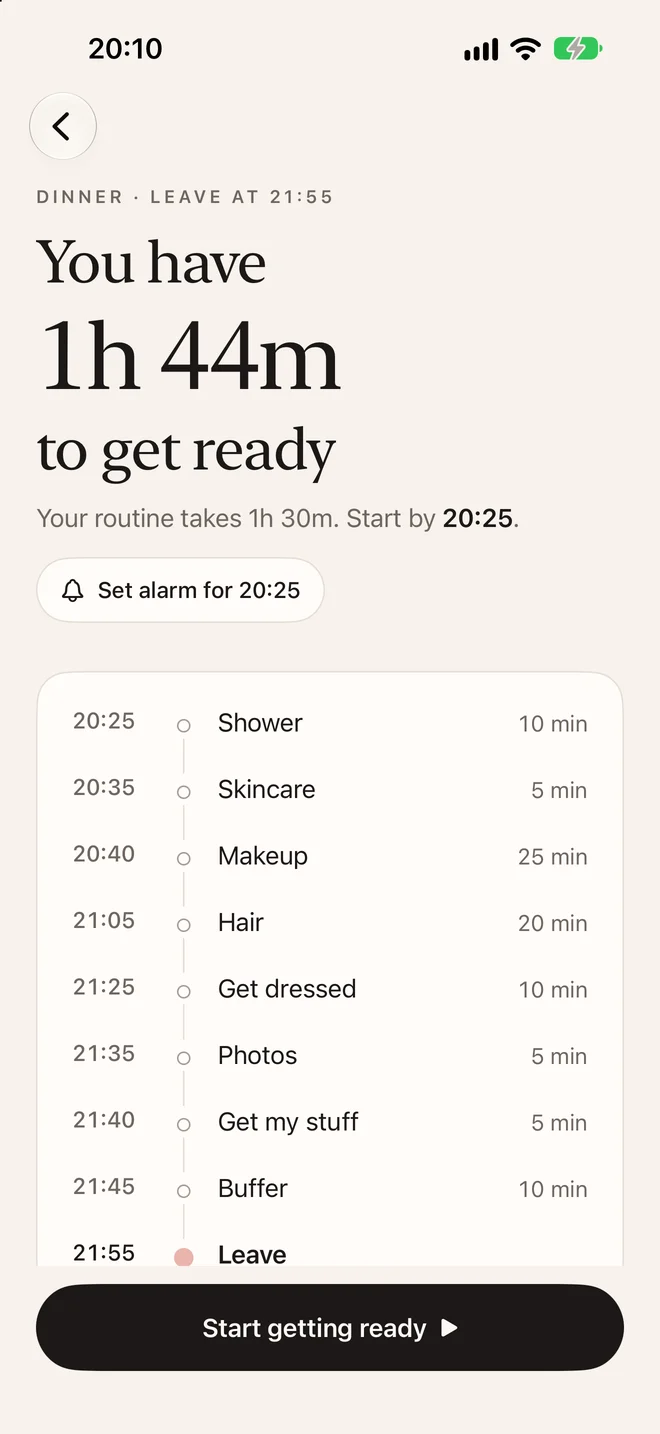
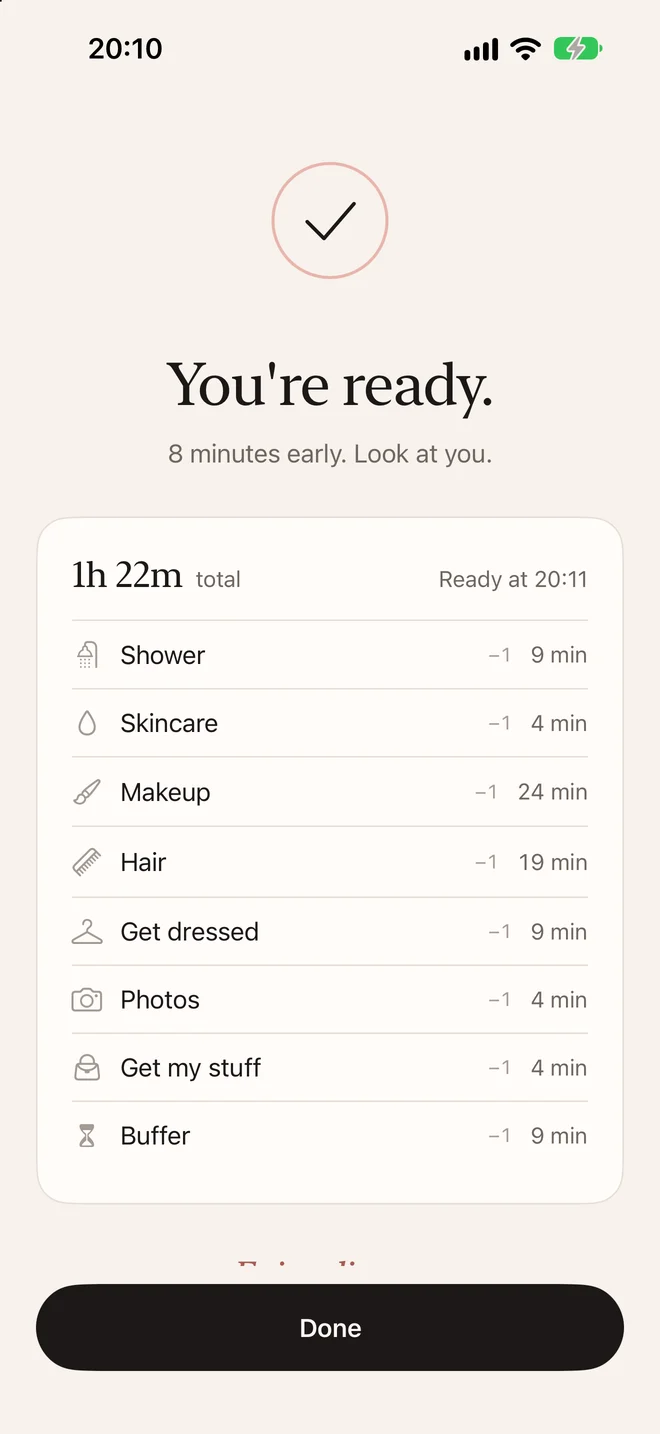
Pick your leave time. Shower, skincare, makeup, hair: every step lands on the clock, and you see exactly when to start.
One step at a time
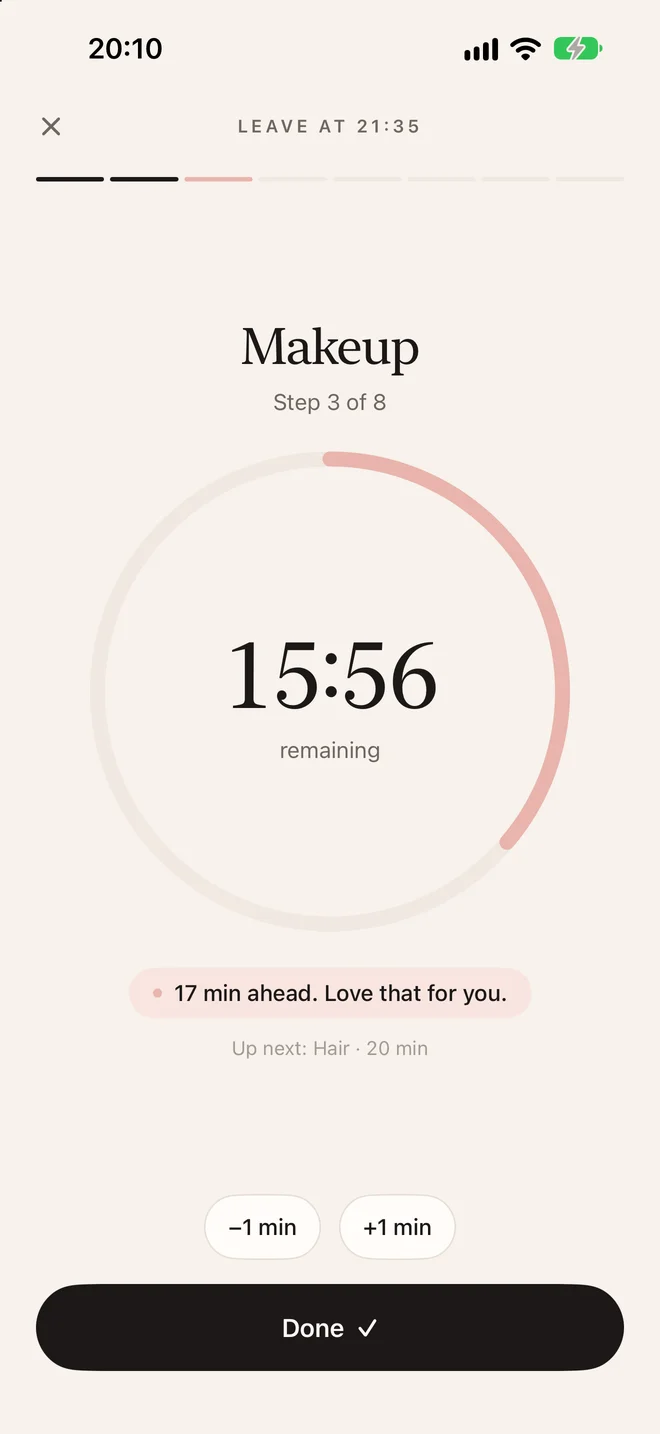
A calm timer for the step you're on, one Done button, and a quiet line that tells you if you're ahead or behind.
An alarm for the start
Set an alarm for the moment you need to begin. It keeps going every minute until you open the app.
A routine for every occasion
Dinner, party, date, work, or your own. Each keeps its own steps and minutes, so next time it's two taps.
For iPhone. No account needed, your routines stay on your phone.